📰 Article
•
Aug 14, 2026
How to Create Custom Discord Soundboards with Free MP3 Downloads
Complete Guide to Discord Soundboard Setup
Discord's built-in soundboard feature has revolutionized voice chat communication. Whether you are hanging out with friends during raid nights or hosting a community voice event, custom sound buttons add endless fun to every call.
Step-by-Step Discord Soundboard Tutorial
Setting up your soundboard takes less than 2 minutes:
- Browse & Download: Search My Meme Sound for your favorite sound buttons and click 'Download MP3'.
- Open Server Settings: Navigate to your Discord server → Server Settings → Soundboard.
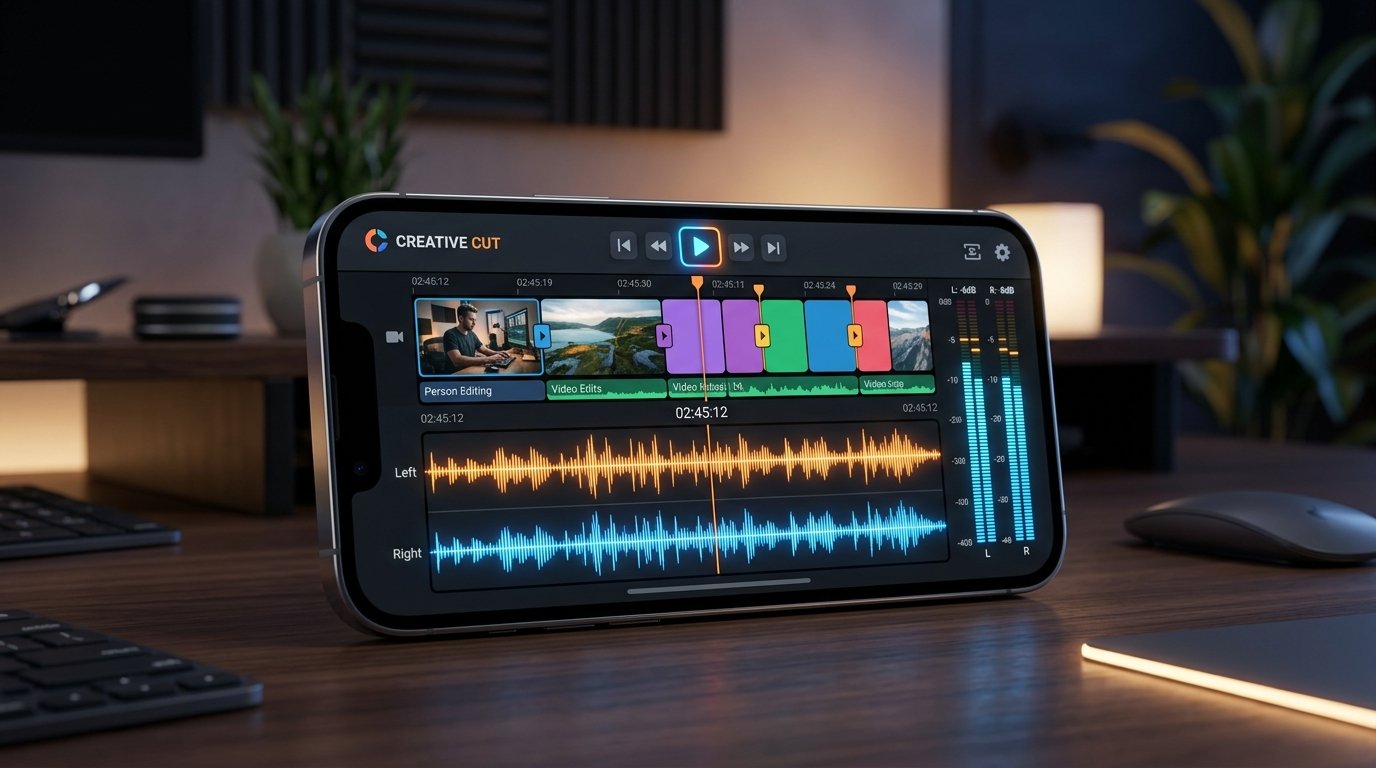
- Upload Audio File: Click 'Upload Sound', select your downloaded MP3, name the button, and set an emoji.
- Adjust Volume & Preview: Set the sound output volume so it sounds crisp without deafening your teammates.
Best Practices for Soundboard Usage
Keep your sound drops punchy and well-timed. Avoid spamming loud audio repeatedly, and always use clean 192 kbps MP3 files from My Meme Sound to prevent audio distortion in voice channels.
Article Tags:
#discord soundboard
#custom sounds
#free mp3 download
#voice chat sfx